
Ever thought your kitchen could be the heart of your home? A kitchen planner helps you turn scattered ideas into a beautifully designed space that feels like art.
It starts with a simple sketch and quickly shows you a vibrant 3D view that brings your layout to life. You can plan every little detail, from cabinets to appliances, while keeping your budget in check.
In short, it blends style and function like the perfect recipe, making every corner of your cooking space inviting and warm.
Using a Kitchen Planner to Visualize and Design Your Kitchen
Imagine planning your dream kitchen like you're sketching out a favorite recipe. A kitchen planner is your go-to digital helper that transforms a simple idea into a fully realized design. It lets you start with easy-to-follow 2D floor plans, complete with walls, windows, and doors drawn to scale, and then shifts into stunning 3D views so you can see just how your new kitchen will feel. It's like having your own digital blueprint that brings your creative vision into clear focus.
This tool makes designing your kitchen both fun and effortless. You get to map out every little detail with precision, choosing exactly where your appliances, cabinets, tables, and chairs go. And if you ever want to see your kitchen from a walk-through view, it’s right there for you. You can even keep an eye on your budget as you design, and review high-definition images of your ideas as they come together.
- Accurate 2D floor-plan creation
- Easy drag-and-drop placement for cabinets and appliances
- Instant switch to 3D visualization
- Virtual walkthroughs in a first-person view
- Real-time tracking of your budget and expenses
- Tools to customize your style and storage
Mixing all these features gives you full control over your kitchen project. The planner matches your layout with the way you cook and your personal style, ensuring every inch is both useful and inviting. Whether you're dreaming of a spacious, modern setup or a snug, traditional space, this planner makes it simple to create a kitchen that is both practical and visually delightful.
Step-by-Step Kitchen Layout Guide with a Digital Kitchen Planner

Start by using your digital kitchen planner like you would a trusty measuring tape. The tool offers clear grid lines and snapping features, making it a breeze to outline walls, windows, and doors. Imagine a handy digital ruler that adjusts with your room's shape, ensuring every line is exactly where it should be.
Then, it's time to place your cabinets, appliances, and fixtures. Instead of merely dragging items on the screen, the tool gives smart suggestions to arrange everything just right. Think of it like tweaking a recipe, a little shift might open up the space between the stove and the sink to create a perfect, easy flow.
Now, step into the 3D view. Here, ambient lighting and interactive markers make it feel like you're already walking in your kitchen. Even the budget helper chimes in with ideas to keep costs in check. Picture yourself taking a leisurely virtual stroll, with natural light highlighting every useful detail.
Each step helps you design a kitchen that feels both creative and efficient, much like mixing the perfect blend of flavors in your favorite dish.
Comparing Top Kitchen Planner Tools and Platforms
When you're getting ready to design your dream kitchen, choosing the right planner is a lot like picking that secret ingredient that makes everything pop. You want a tool that’s simple to use yet flexible enough to match the size and style of your project. It should feel as satisfying as putting together your favorite family recipe, where every step builds on the last to create a heartwarming meal.
With so many options on the market, it pays to take a closer look at what each planner offers and how much it will set you back. This way, you’re sure to find one that fits your creative ideas and your budget perfectly, just like finding the right spice for a special dish.
| Software Name | Key Features | Pricing & Trials |
|---|---|---|
| IKEA Kitchen Planning Suite | Cabinet layout presets, 3D preview options, easy integration of IKEA product catalogs | Free version available with optional paid upgrades |
| Home Depot Design Platform | Real-time cost estimation, extensive material library, interactive planning tools | Free access with premium features on a subscription basis |
| Virtual Builder App | Precision measurement tools, high-definition image export, virtual walkthroughs | Free trial available; subscription required for continued use |
| App-Based Planner | Cloud-based storage, intuitive drag-and-drop interface, flexible design templates | Subscription plans available with a free trial period |
When it comes down to it, your ideal planner should match the scope of your culinary project. Maybe you’re after a tool that offers ready-made setups for quick planning, or perhaps you need one with advanced tweaks that let you get into the nitty-gritty details. Look out for features that matter to you, whether it's real-time budgeting to keep track of costs, precision measurement tools that give you exact details, or even a smooth switch to 3D views that let you walk through your design. Taking the time to compare these features will help you pick a planner that’s not just a tool, but a trusted partner in crafting a kitchen that’s both elegant and super functional.
Optimizing Kitchen Space Arrangement with a Kitchen Planner
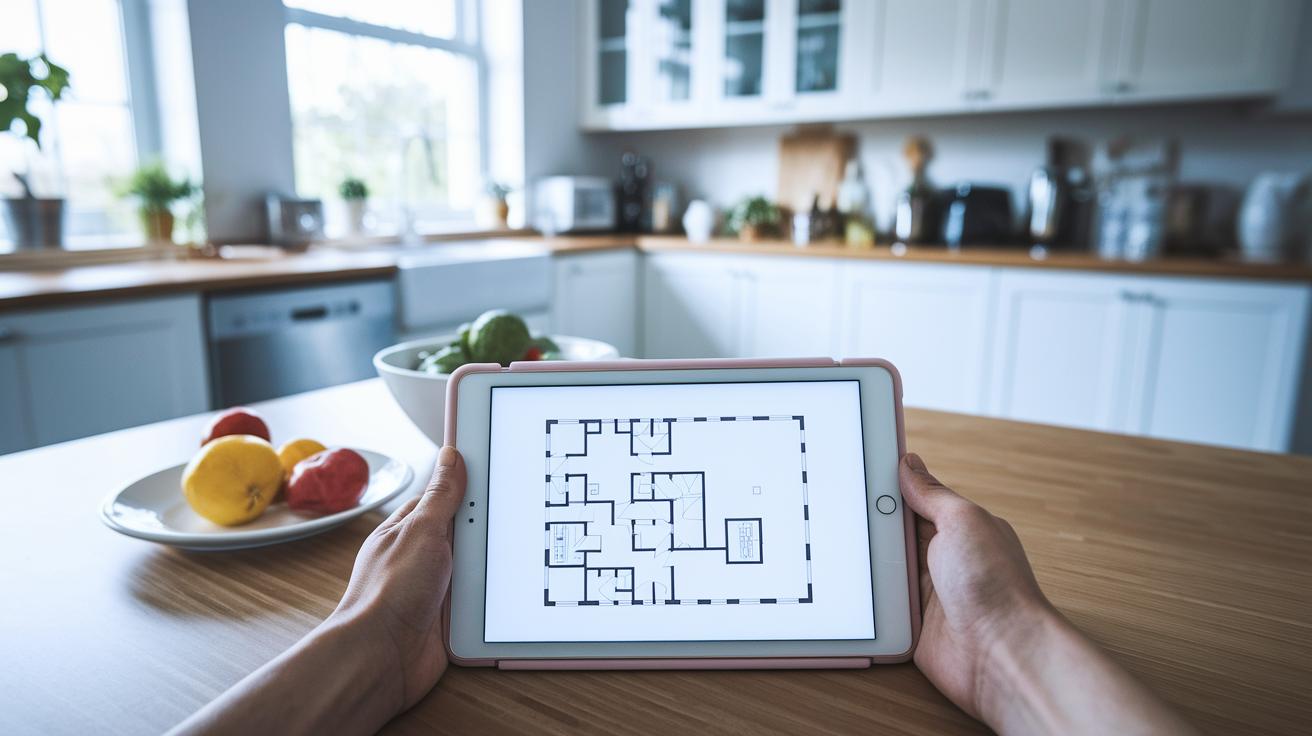
When planning your kitchen, start with the work-triangle idea, a time-tested method that connects your sink, stove, and fridge for a smooth flow. The planner shows you how to keep a clear space, like a 36" aisle between stations, so you can move around as easily as following your favorite recipe.
Next, check out vertical storage ideas and modular cabinets to get the most out of your walls. The tool suggests using tall cabinets or open shelves that free up floor space, giving your kitchen a modern, clean look. You can adjust cabinet heights and play with modular design options to match your unique needs.
Finally, fine-tune your islands and peninsulas by testing clearance distances to ensure ergonomic comfort. For example, the planner makes sure a mobile island has at least 42" of space around it, so you can move freely and work comfortably. These smart ideas help every part of your kitchen work together to create a space that’s both efficient and stylish.
Budgeting and Material Selection in Your Kitchen Planner
Start by setting your total budget right away with your digital kitchen floor planner. It's like laying out your grocery list before you hit the market, you know exactly how much you can spend, and that helps you avoid any surprise bills later.
Then, have fun picking out your materials. The planner comes with a big library full of cost details for everything from laminate to granite and tile. You can plug in your choices for cabinets, countertops, and floors and watch your budget update instantly. Ever wonder how a tiny tweak can save you money? Try out a "what-if" test to see if laminate might fit your style and wallet better than quartz.
Finally, take a moment to compare different materials and see which ones work best for your budget and style. Adjusting your plan as you go makes it easy to create a kitchen that’s cozy, functional, and just right for you.
Customizing Style and Layout with Your Kitchen Planner
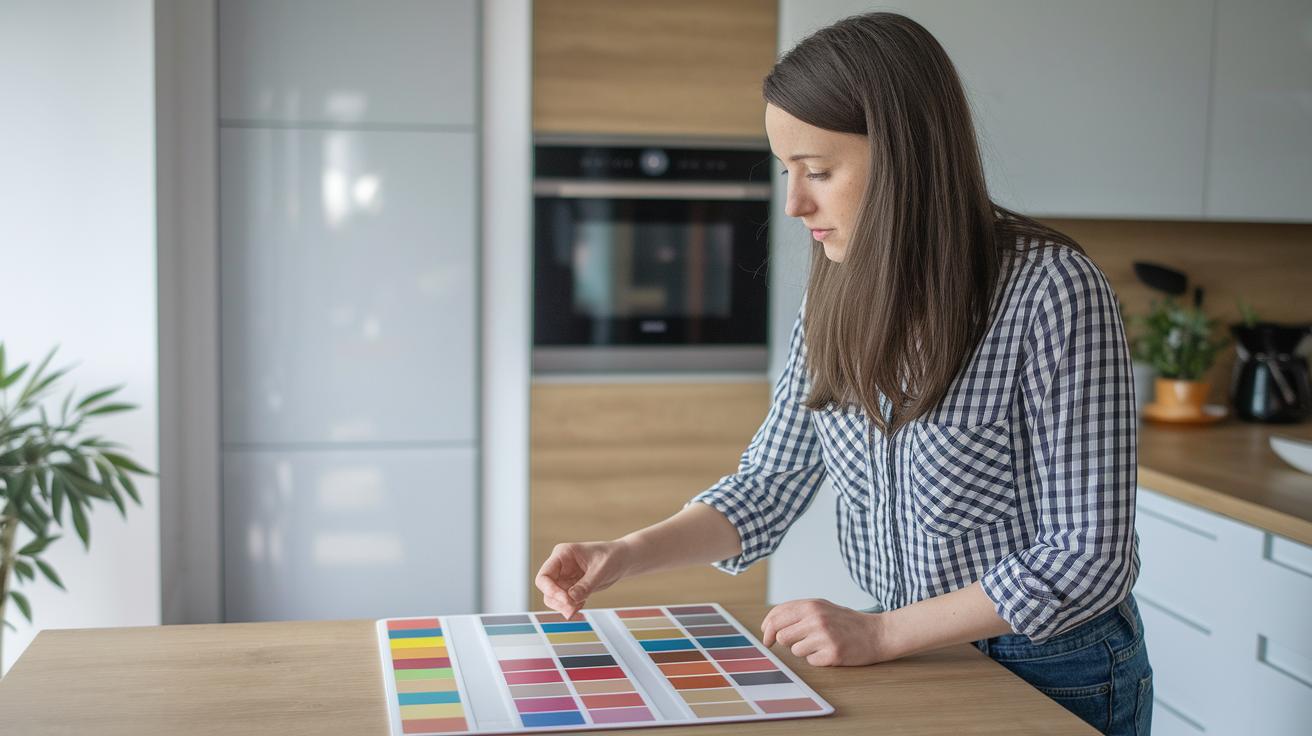
Dive into your digital kitchen planner and explore a variety of style presets in a realistic 3D view. Pick your vibe, whether modern, traditional, or industrial, and easily check out hardware finishes and color palettes that match your taste. It’s like mixing spices for your special dish; a tiny tweak here, a dash of color there, and suddenly everything starts to shine.
But that’s not all. The planner lets you adjust the layout in a modular way, so every detail of your kitchen feels just right. You can create fun mood boards, stash your design ideas, and even export visuals for your contractor. It’s all about fine-tuning your space, from open layout concepts to those unique finishing touches, making your design both practical and packed with personality.
Final Words
In the action, the article showed how a digital planner transforms your space, from basic 2D drafting to immersive 3D tours. It highlighted key features like drag-and-drop layout, virtual walkthroughs, real-time budgeting, and personalized style tools. Each step blends function with creativity, making kitchen design feel as doable as whipping up your favorite meal. Using a smart kitchen planner bridges inspiration and practicality, setting you up to craft an organized, stylish kitchen that feels truly home-grown. Enjoy the process and create a space you love!
FAQ
What is a kitchen planner online?
The kitchen planner online lets you design and visualize your layout digitally. It uses simple drag-and-drop tools and offers both 2D and 3D views to help you plan a functional and stylish kitchen.
What does the IKEA kitchen planner offer, including USA access and login options?
The IKEA kitchen planner provides an easy way to design your kitchen with IKEA’s cabinet presets. It includes features like login and appointment scheduling, making it simple to create a modern, ready-to-inspire space.
How does a free online kitchen planner work?
The free online kitchen planner gives you a cost-free way to experiment with layout ideas. It usually offers basic 2D and sometimes 3D visualization so you can explore different configurations without spending money.
What is a 3D kitchen planner?
The 3D kitchen planner transforms flat layouts into detailed three-dimensional views. This feature helps you better understand spatial relationships, making the design process more interactive and visually engaging.
How does a kitchen planner app assist in designing my kitchen?
The kitchen planner app brings design flexibility to your mobile device. It offers intuitive touch controls, real-time visuals, and customizable layouts, ensuring that planning your kitchen is both fun and productive.
What does an AI kitchen design free tool provide?
The AI kitchen design free tool uses smart algorithms to suggest personalized layouts and style ideas. It streamlines the planning process, offering creative solutions that save time and boost design confidence.
How can I redesign my kitchen using a planner?
Redesigning your kitchen with a planner lets you try out new layouts, fixtures, and styles in a virtual space. This method minimizes costly mistakes while ensuring your final design is both attractive and functional.